
Contacting support
Open a request from your dashboard and a real person will reply. It is the best way to tell us what is going on. · 1 min read
In the menu, under Tu cuenta, you will find Soporte. Anyone on the team can write: whoever is on the floor is the one who sees the problem.
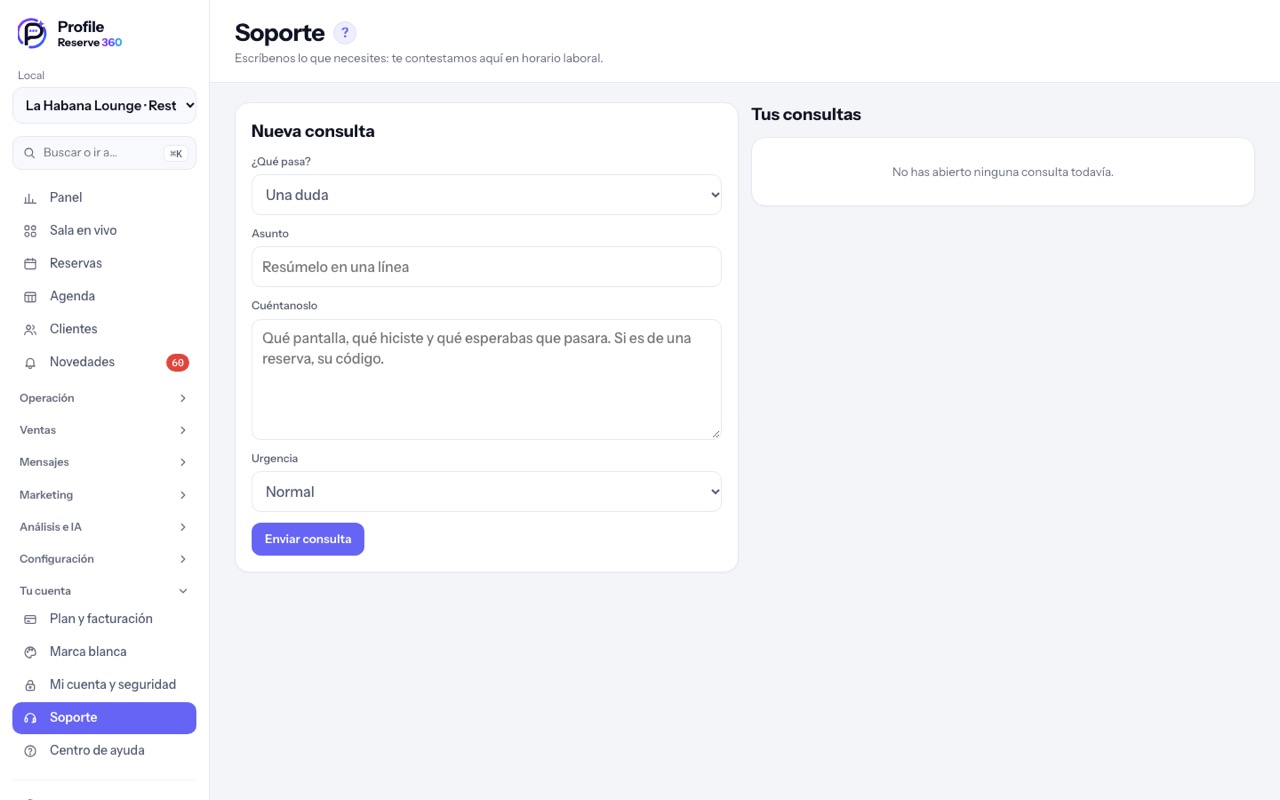
- Choose what it is about (a question, something not working, billing, an idea) and how urgent it is.
- Tell us which screen, what you did and what you expected. If it is about a booking, include its code.
- The reply arrives in the same conversation and is flagged as new in the menu.
Support stays open even if the account is paused: it is the way to sort it out.